Course overview
Why do I need this course?
- Prevent discomfort and injury by setting up your workstation correctly
- Comply with regulations for all workers who use DSE as part of their day-to-day roles
- Improve productivity through better posture and ergonomic practices
- Reduce eye strain and fatigue with practical screen-use strategies
What will I learn?
- Legal responsibilities for DSE users and employers
- How to assess and adjust your workstation for comfort and safety
- Risks associated with prolonged screen use and how to manage them
- Best practices for breaks, posture and screen positioning
Who is this course for?
- Office-based staff using computers or screens regularly
- Remote and hybrid workers setting up home workstations
- Managers responsible for staff health and safety compliance
- Anyone using display screen equipment for extended periods
Course details
Many of us use display screen equipment in our work and as part of our daily lives. When used correctly there is minimum risk, but if used incorrectly, it may cause strains, aches, pains or even injury. In this course, you’ll learn practical advice on how to work with display screen equipment (DSE) in order to help avoid discomfort or injury, and how to work with DSE in a more comfortable and productive way.
Upon completion of this course, the learner will be able to:
- Set up their workstation properly to avoid discomfort and injury
- Ensure they are sitting at their desk in a comfortable and productive way
- Explain and present the best way to work with laptops and mobile devices
- Describe and action how to make their working environment more comfortable
This course is made up of the following module:
- Working with display screen equipment
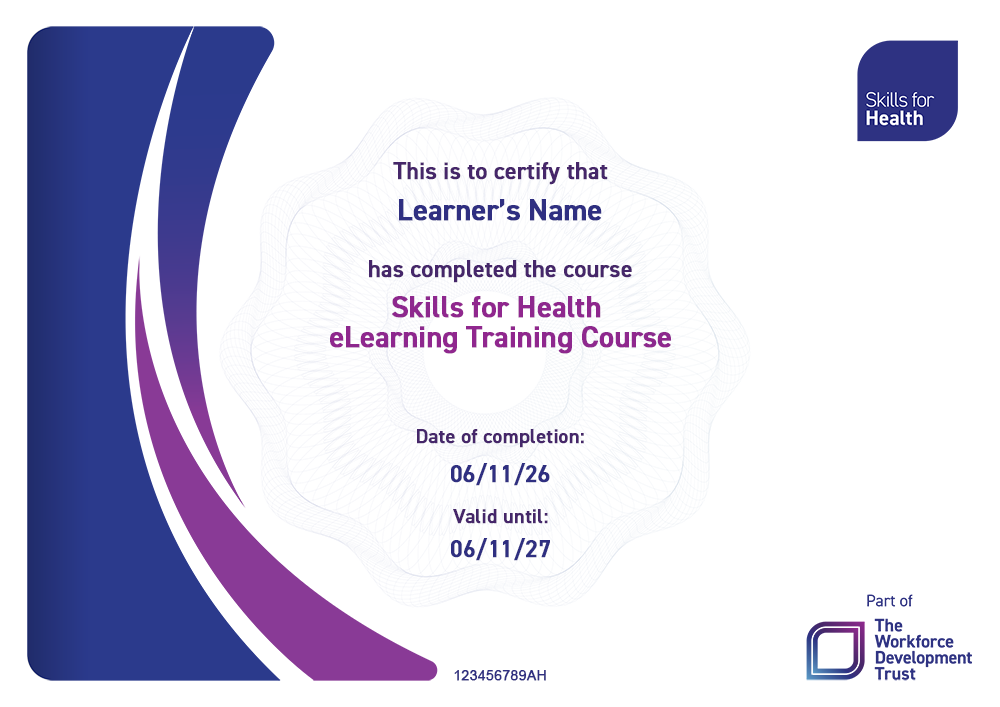
Certificate preview
Completion of this eLearning module grants you one of our recently redesigned Skills for Health eLearning certificates - fully personalised with your name, course and the date of completion. Certificates are instantly available on your user dashboard.
- Course Access Duration: 1 Year
- Course Length: 30 mins
- Recommended Refresh Frequency: 1 Year